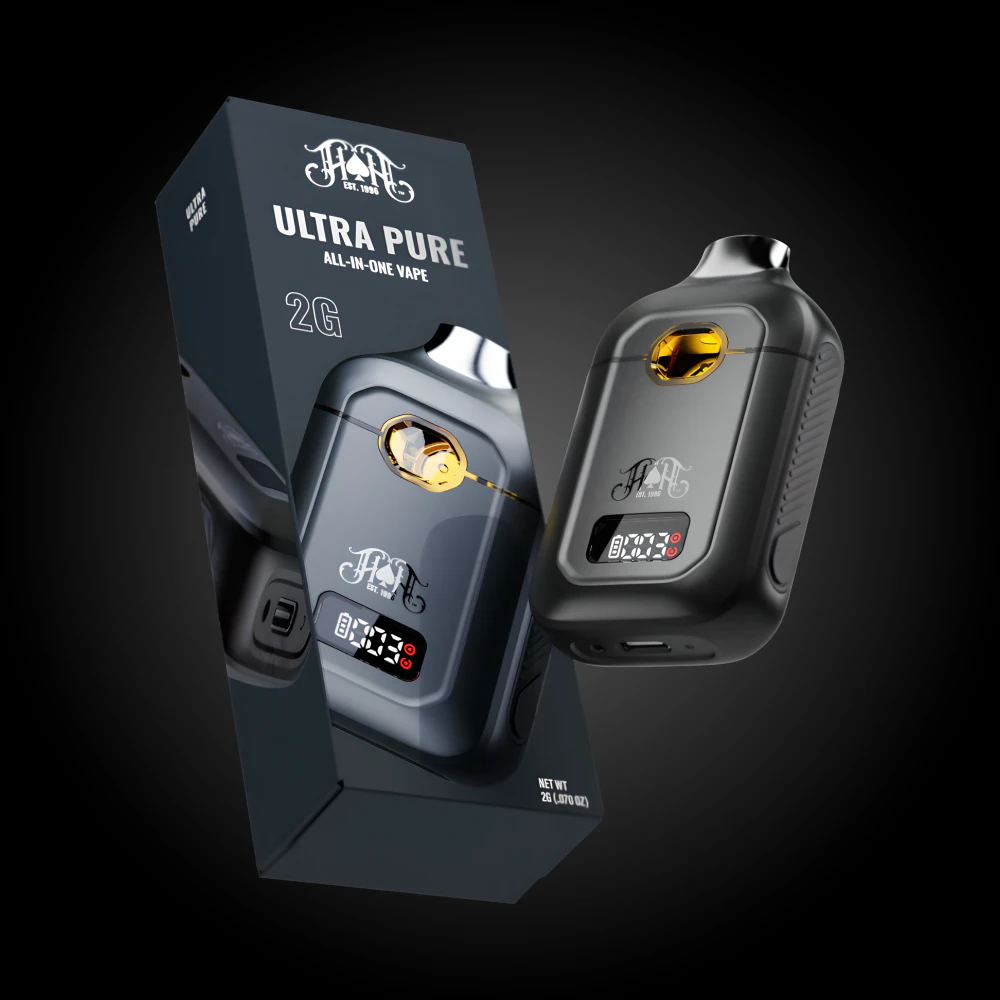
Heavy Hitters - Strawberry Cough - 2g AIO
Cannabinoid Profile:
USING THE SILICONE CONTROL BUTTON:
1. CHANGE VOLTAGE LEVELS (POWER SETTINGS)
Tap the control button 1 time to cycle through the
three voltage settings:
• Low
• Medium
• High
2. SWITCH ATOMIZER MODE (SINGLE/DUAL ATOMIZER)
Press and hold the control button for 3 seconds
to switch between:
• Single Atomizer Mode (for oil efficiency)
• Dual Atomizer Mode (for higher vapor output)
3. ENJOY!
Take a smooth draw and enjoy your session with
your customized settings.
TIPS FOR BEST USE
• Use Low or Medium for smoother, flavorful hits.
• Use High or Dual Atomizer for larger clouds and
stronger effects.
ULTRA PURE. ULTRA POTENT
$124
Price per unit